
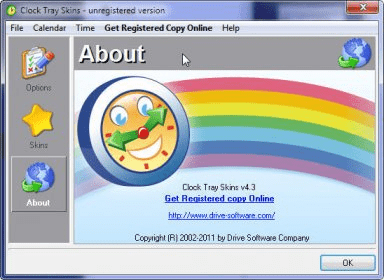
Clock Tray Skins provides a highly customizable clock for our system tray and a calendar. Once we've installed the program, we can start changing the clock properties. We can choose to show our local current time (12-hour format or 24-hour format, minutes, and seconds), our local current date, the day of the week (name or number), and the date and time for two other places located in different time zones (very useful for personal or business reasons). This clock features a huge range of skins to suit all tastes. Some of them are quite cool and stylish; others serve well for those people with impaired sight. In addition, we can apply gradient colors to the clock background (two colors at a time), select horizontal or vertical gradation, and add lowered or raised borders. It is possible to use a transparent background, or a longhorn style. We can adjust the clock via the Atomic Clock servers or set up via the control panel. We can also customize the calendar, change the skin, and select to start the week on Monday or Sunday. We can enable chimes, and also add our own tune. This program runs under Windows Vista, XP, 2000, and NT operating systems. We can evaluate the fully featured trial version free of charge for a whole month.






Comments